


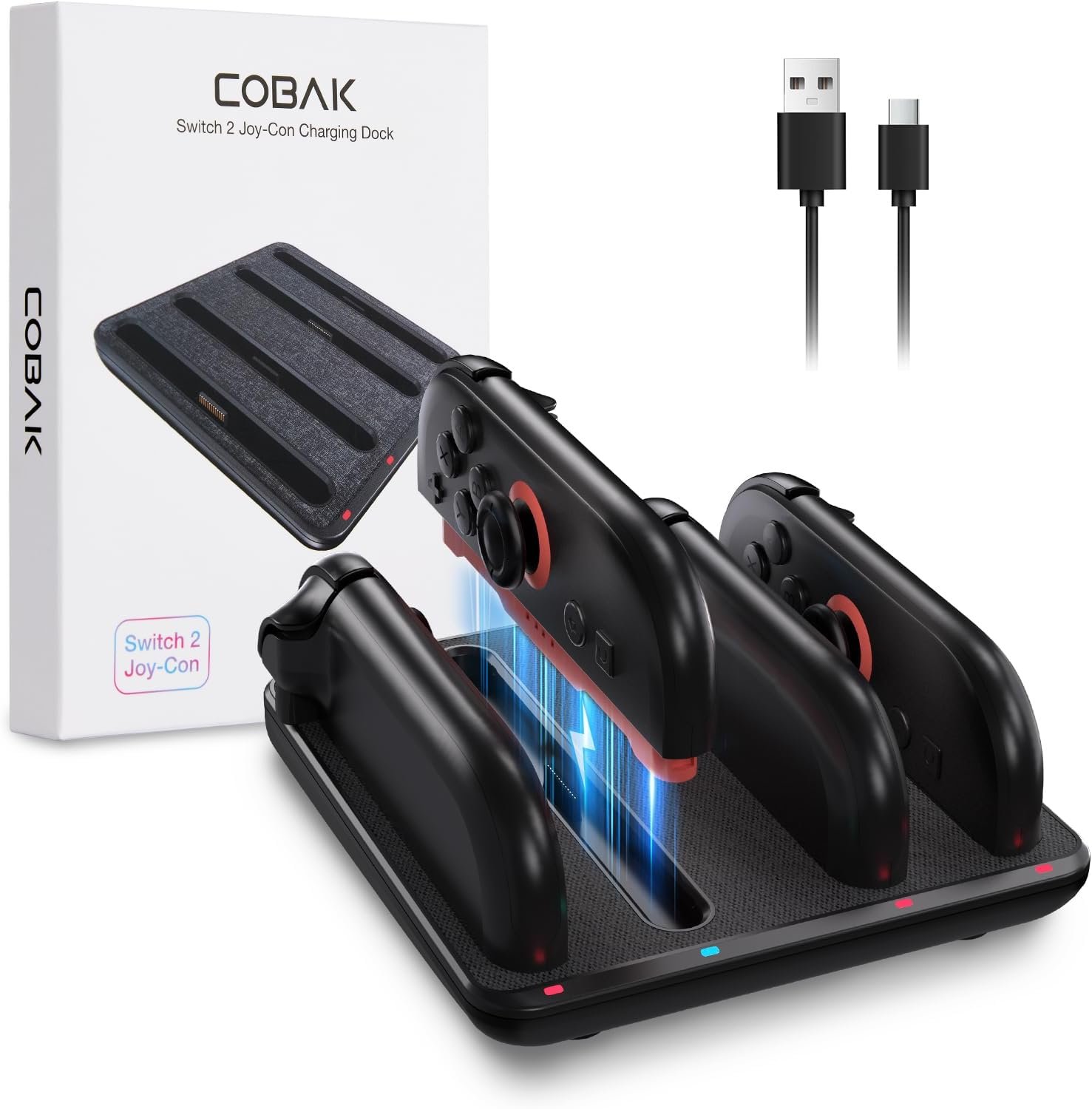
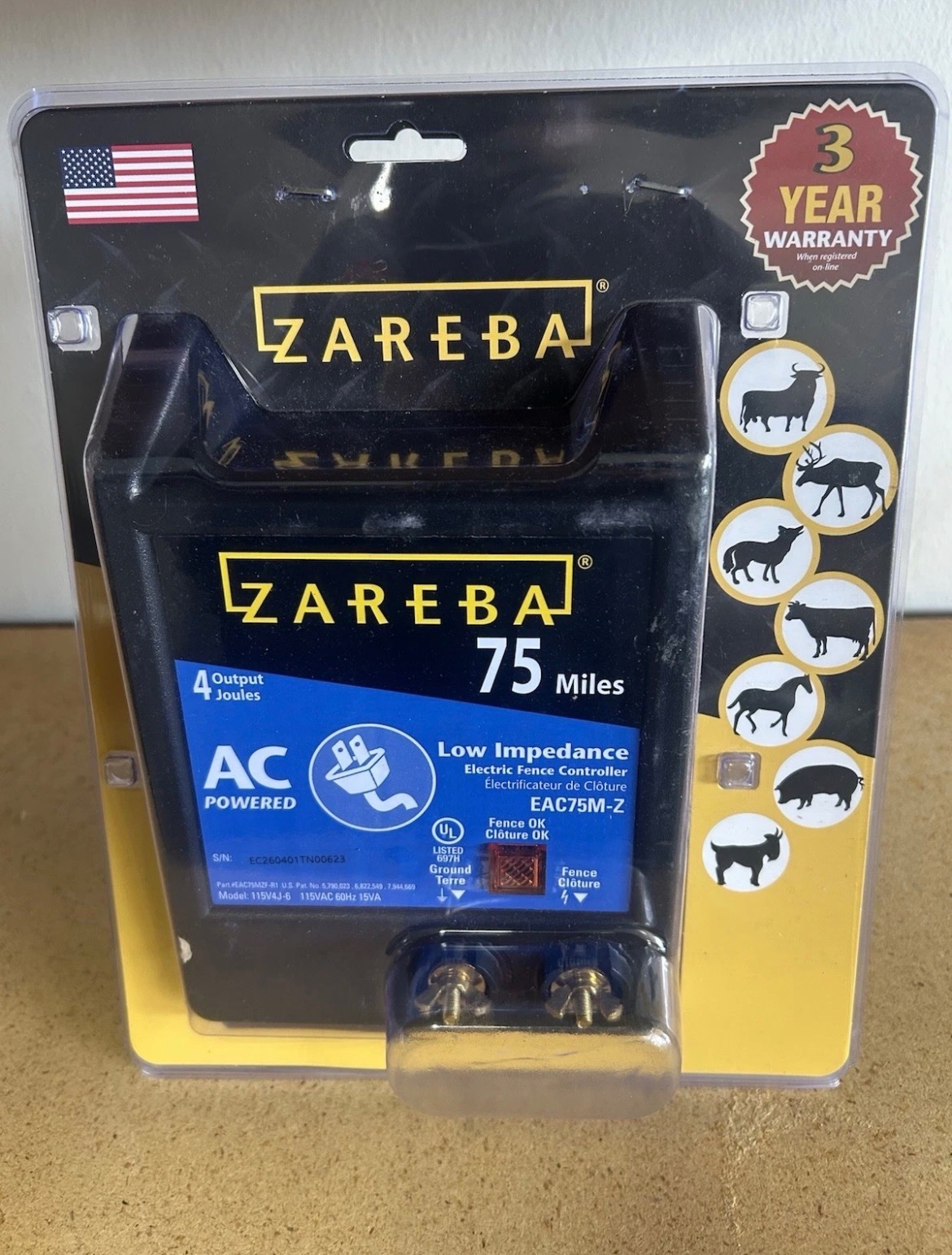


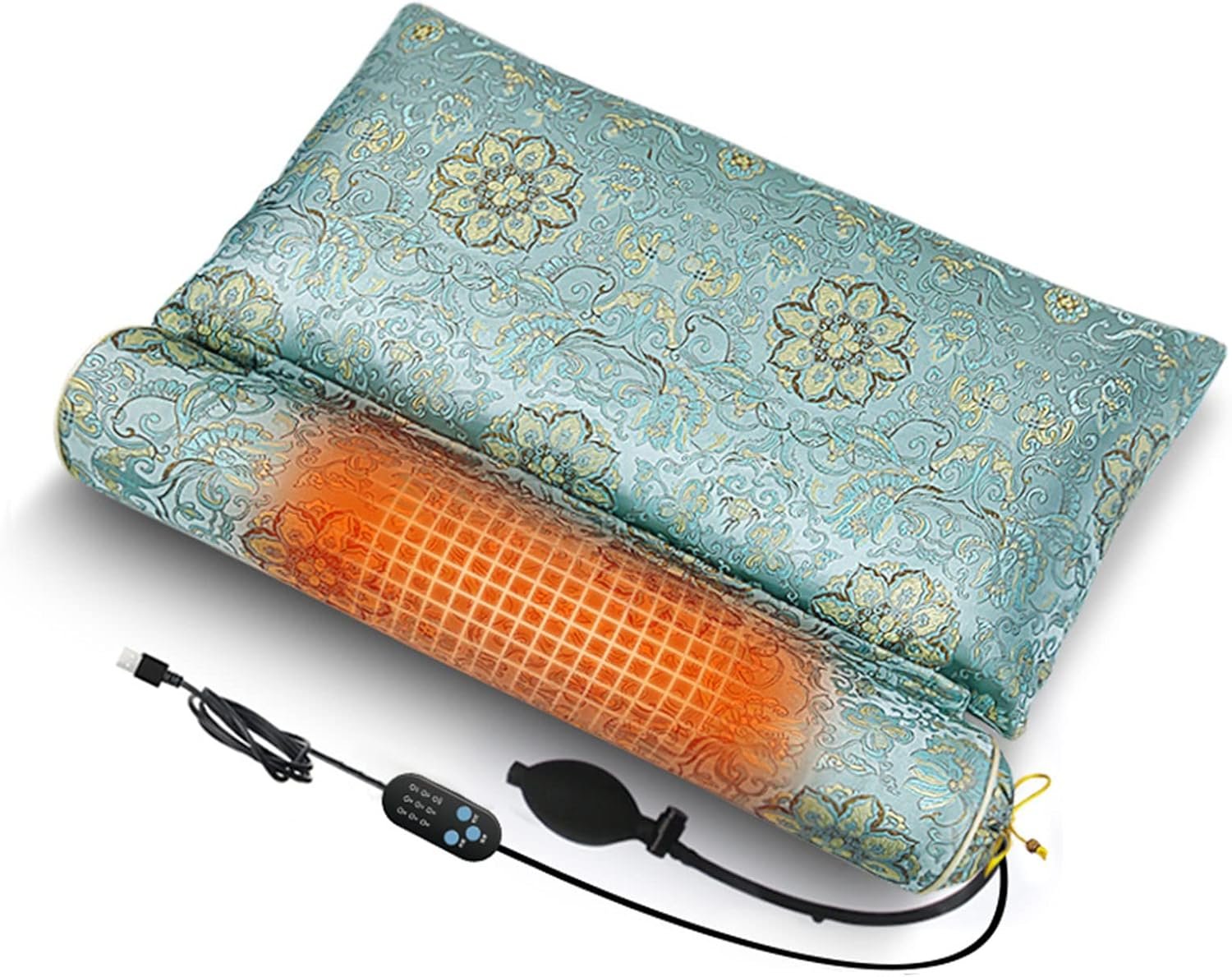
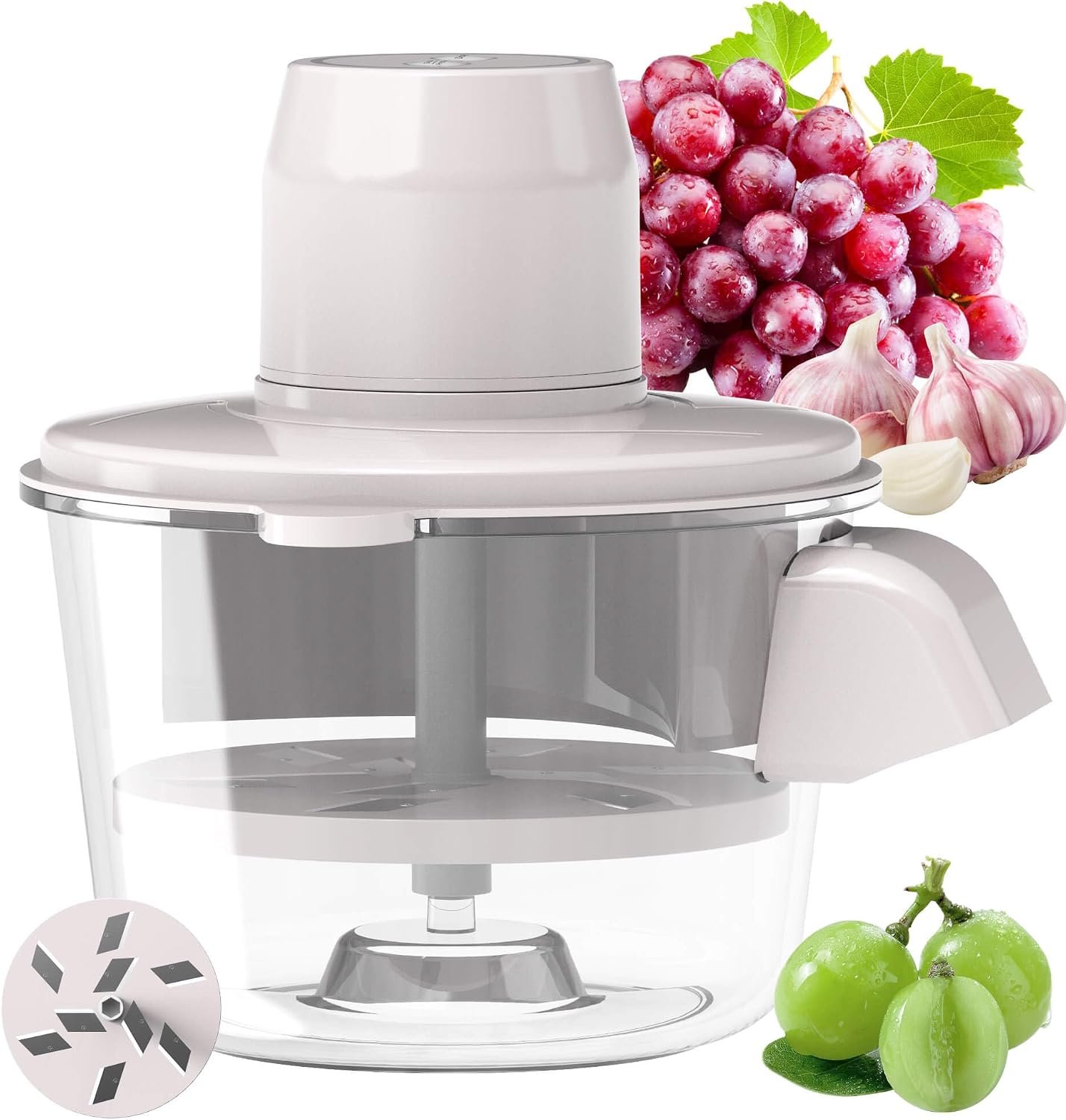



 Auktia features
AI Auction Listings: Write Lots From Photos, Then Check Them
Auktia lets sellers (auction houses) list items (lots) with AI three ways. Snap to identify names an item from a photo when there's no barcode. AI cataloguing drafts an item's title, category, description, condition notes and starting estimate from your photos. Sort into categories files uncategorized items by title. You check and edit everything before it goes up.
What can AI do for an auction listing?
Listing is the slow part of any auction: naming the item, typing a description, picking a category and settling on a starting point, item after item. Auktia uses AI for the parts a photo can answer, and leaves the judgment to the seller.
- Snap to identify: in Scan to list, photograph an item with no barcode and Auktia names it. Each one uses a scan.
- AI cataloguing: add photos to an item and AI writes the title, category, description, condition notes and a starting estimate for you to check.
- Sort into categories: when an imported sheet has no category column, the Items tab offers to file each uncategorized item from its title.
- Barcodes first: a UPC or EAN barcode fills in title, stock photo, brand, category, details and retail price, and doesn't use a scan.
How do I create an auction listing with AI?
Here is the flow for a mixed table of items, some with barcodes and some without:
- Open Scan to list and scan any UPC or EAN barcodes first. Those are free, and each item fills in with title, stock photo, brand, category, details and retail price.
- For an item with no barcode, tap Snap to identify and take a photo. Auktia names the item, using one scan.
- Add your own photos of the item. AI cataloguing drafts the title, category, description, condition notes and a starting estimate from them.
- Tap the condition (new, open box, used, damaged or for parts) and tested or untested.
- Read the draft against the item in front of you. Fix model numbers, sizes, missing pieces and flaws, and adjust the estimate.
- For items imported from a spreadsheet with no category column, tap Sort 40 into categories on the Items tab (the number is how many items have none), then spot-check where each item landed.
How many AI scans come with each plan?
Each monthly plan includes 50 scans a month. A scan is an AI photo identification (Snap to identify) or an Amazon X00 sticker lookup. UPC and EAN barcodes, Auktia labels and stickers Auktia already knows are free, and products are remembered, so the next scan of the same item fills in instantly.
Worked example: a 200-item auction where 150 items have barcodes, 35 need Snap to identify and 15 are returns with X00 stickers uses 50 scans, the whole month's allowance. A seller running two auctions like that each month would look at Unlimited scanning, which is $125 a month. Plan details are on the pricing page.
What are the limits of AI auction listings?
AI drafts; the seller decides. A photo can't show whether a drill runs, whether a set is complete, or whether a signature is real, and it can misread a model number that differs by one letter. Items are sold as is, so the description is your promise to the bidder, and an item that arrives materially different from it is yours to resolve.
Treat the starting estimate as a starting point, not an appraisal; you still set each item's starting bid (opening bid) and minimum price (reserve). See auction estimate for how bidders read one. And if AI cataloguing doesn't suit an auction, switch it off.
When is a barcode or a spreadsheet faster than AI?
For new and returned retail goods, a barcode is faster and free; see barcode scanning for auctions. For a truckload with a manifest, import the CSV or Excel file and Auktia looks the barcodes up into finished items. Catalog exports from HiBid, Auction Flex, AuctionMethod and BidWrangler import too.
AI earns its place on what's left: estate contents, used tools, decor and one-of-a-kind pieces with no code to scan. Mixing all three methods in one auction is normal, and each item ends up in the same list.
Questions people ask
Does AI write the whole auction listing for me?
It writes a draft: title, category, description, condition notes and a starting estimate. You check and edit everything before the item goes up.
Can I turn AI cataloguing off?
Yes. AI cataloguing can be switched off, and you can list by hand, by barcode or by spreadsheet instead.
Does scanning a barcode use one of my 50 scans?
No. UPC and EAN barcodes, Auktia labels and stickers Auktia already knows are free. Snap to identify and X00 sticker lookups each use a scan.
Can AI price my auction lots?
It suggests a starting estimate. You set the starting bid and any minimum price, and the bidding sets the price.
What if my spreadsheet has no categories?
The Items tab offers Sort 40 into categories, where the number is how many items have none. It files each item from its title; check a few before you publish.