









 For auctioneers
Barcode Scanner for Auction Listings: Scan Once, Get a Finished Lot
A barcode scanner for auction listings reads a product's UPC or EAN code and looks it up, filling in the title, stock photo, brand, category and retail price so you only add condition. A phone camera works as the scanner. It's fastest on retail goods and returns; one-of-a-kind items still need photos.
How does barcode scanning work for auction listings?
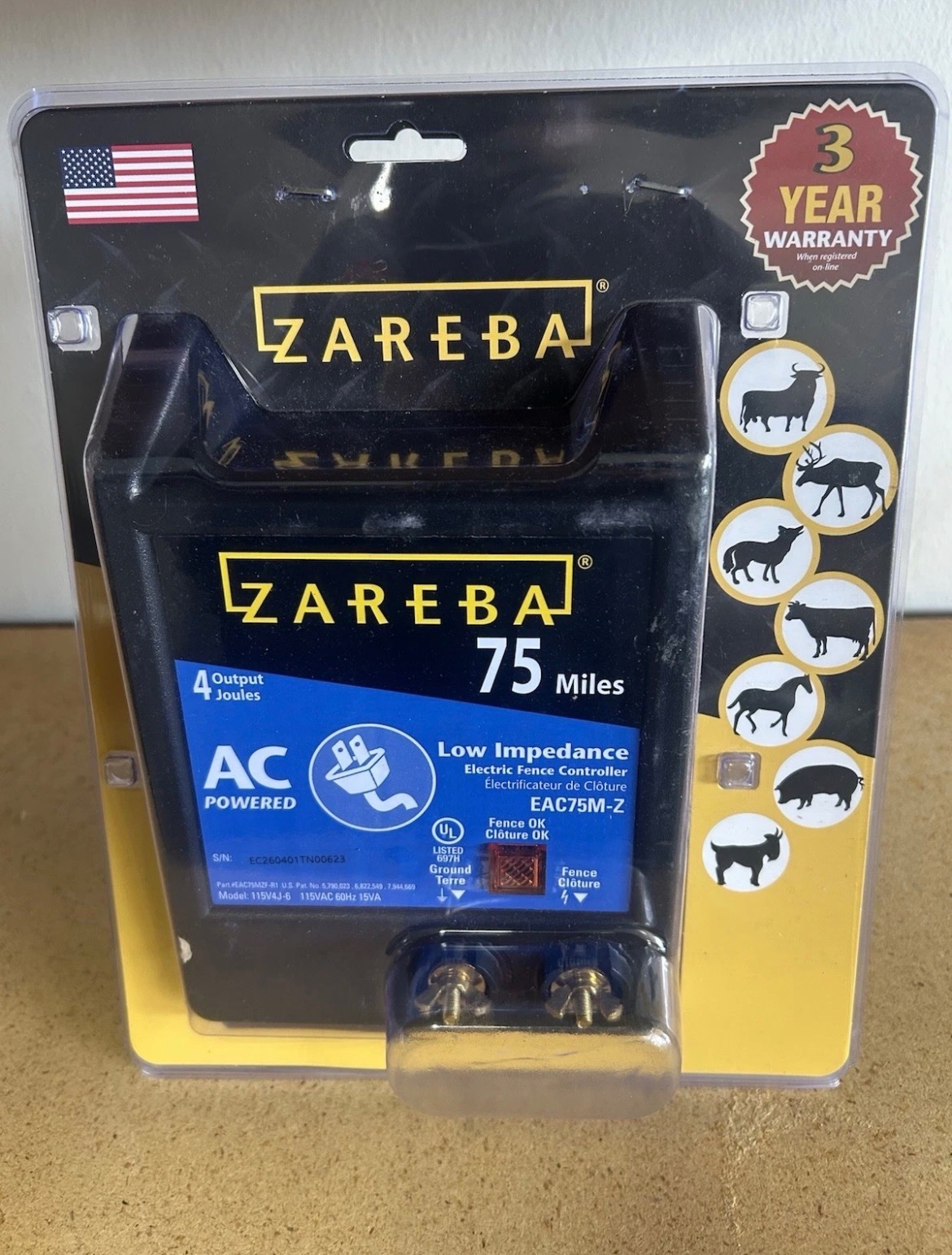
Almost every retail product carries a UPC barcode, or an EAN outside North America. The number identifies the product, not your particular item, so a lookup can return everything the manufacturer published: title, brand, category, specifications, a stock photo and the retail price.
What a lookup can't know is your item's condition. That's the part you add: new, open box, used, damaged or for parts, and tested or untested. The best workflow makes each of those a single tap, so the person scanning never stops to type.
Do you need a dedicated barcode scanner?
Not for most houses. A phone camera reads UPC and EAN barcodes well, and it's already in your hand with the listing screen open. If a barcode is torn or the camera can't read it, typing the digits gives the same lookup.
What matters more than the scanner is where the scan goes. Some setups scan in one app and export to another, which means a file to move and columns to clean up. Scanning straight into the sale skips that step entirely. A phone also lets you snap a real photo of the item right after the scan, without switching devices.
What does a barcode scan fill in?
A good lookup fills in everything that's the same for every unit of the product, and leaves the rest to you. That split keeps listings consistent across staff: the facts come from the lookup, and the judgment calls come from you.
- Title, cleaned up from the manufacturer's ALL CAPS product name.
- Stock photo, checked to make sure it loads.
- Brand, category and details such as size or color.
- Retail price, which becomes the anchor for the estimate and opening bid.
- Left for you: condition, tested or untested, and a real photo when the item isn't new.
Which items can't be scanned?
Antiques, handmade pieces, used furniture and anything with a missing or painted-over barcode have nothing to look up. For those, photo-based listing is the fast path: photograph the item and let AI draft the title, description and condition notes for you to check.
Amazon warehouse stickers are a special case. The X00 code on a returns box is an Amazon FNSKU, not a UPC, so ordinary barcode lookups usually come back empty. See X00 FNSKU lookup for how that works.
How much faster is scanning than typing?
Typing a full listing for a retail item means finding the model number, writing a title, searching for a photo and checking a price, which can take three minutes or more. A scan plus a condition tap takes seconds. On a 300-lot sale at three minutes a lot, typing alone is 15 hours.
Repeat items get faster still when the software remembers products. The second identical blender on a pallet fills in instantly from the first scan, with your condition and photo choices left to make.
Where Auktia fits
Auktia's Scan to list reads UPC and EAN barcodes with your phone's camera, or takes a typed number or Amazon ASIN, and fills in title, stock photo, brand, category, details and retail price. Tap condition and tested or untested, and the lot lands straight in your sale; with a Bluetooth label printer connected, its label prints as it saves. Barcode scanning is included in every plan.
Questions people ask
What is the difference between a UPC and an EAN?
A UPC is a 12-digit product code used mainly in the US and Canada; an EAN is a 13-digit code used in most other countries. Lookups treat them the same way.
Is the retail price from a scan the right estimate?
It's a starting point. Retail is what the item sold for new, so bring your estimate down for open box, used or damaged condition and adjust for local demand.
What if the scan finds the wrong product?
Check the title and photo against the item before saving. Variants sometimes share a code, so fix the title if the color, size or model differs from what's in your hand.
Does scanning work on liquidation manifests?
Yes, when the manifest lists UPCs. Importing it looks up each barcode the same way a scan does, so a whole pallet becomes finished lots in one upload. See liquidation auction software.
Can several staff scan into the same sale?
Yes. Each staff member signs in with their own login and scans from their own phone, and every lot lands in the same sale, ready for review.
Does a scanned stock photo show the actual item?
No, it shows the product as sold new. For sealed new items that's enough; for open box, used or damaged items, add a photo of the real thing so bidders can judge its condition.